
Delivering photos to clients
A WeTransfer alternative for photographers
In a photolink gallery, clients browse the shoot, pick favourites and download photos in full quality. You choose the gallery expiry date; keeping the gallery available also requires active service access.
30 days free · 10 GB for photos · No card required
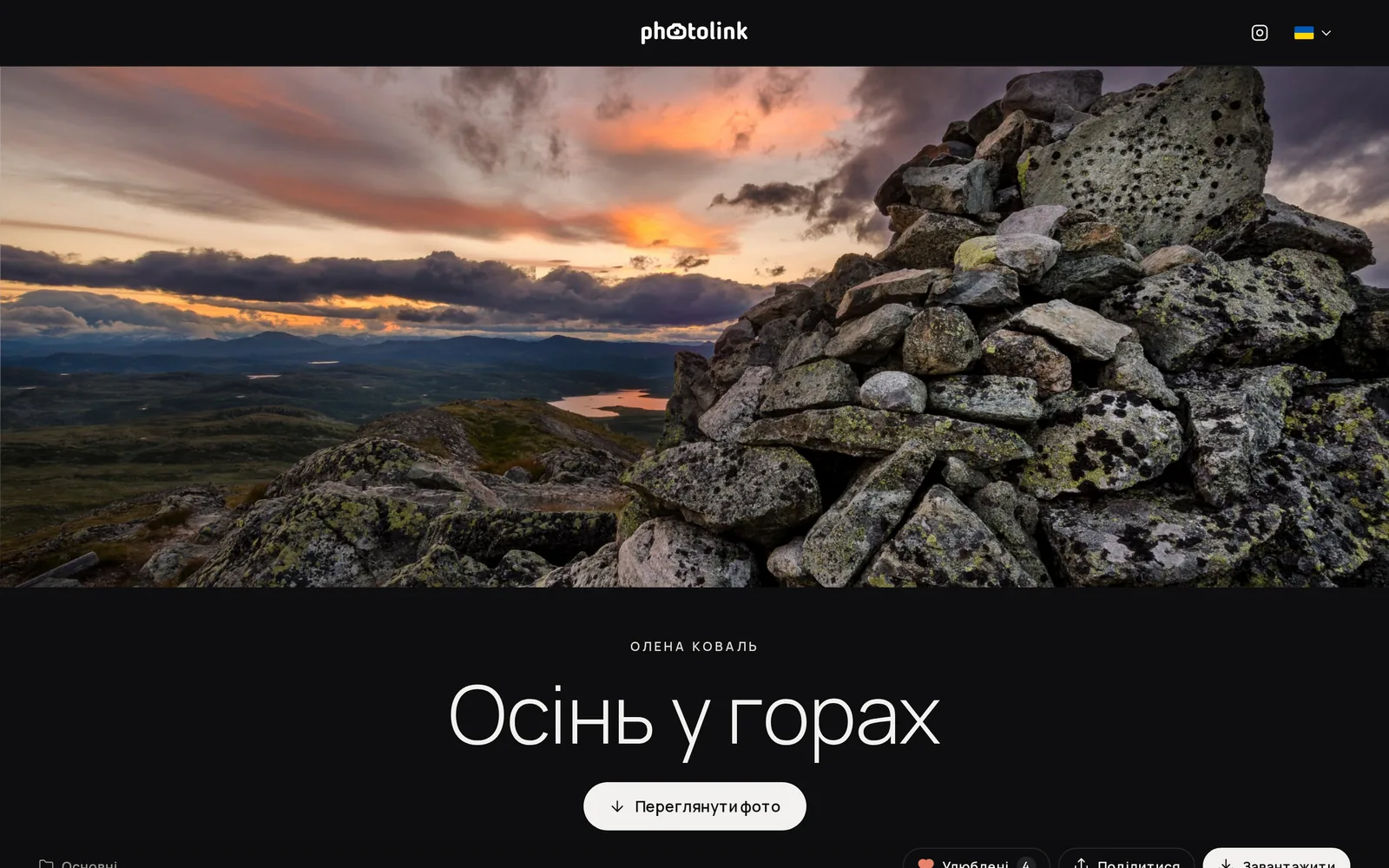
What changes when a gallery replaces the archive
WeTransfer, Google Drive and messengers are handy for sending a file quickly. But the client gets an archive or a folder of names like IMG_4821.jpg, free file transfer links expire soon, and messengers compress photos. A gallery solves all of this at once.
You choose the access deadline
Set an expiry date or leave the gallery without an end date. It remains available while your photographer account has active service access.
Viewing before downloading
The client scrolls through the shoot full screen on their phone, hearts their favourites and sends you the selection for print or retouching.
Full quality and your brand
Photos download in original quality, the whole gallery as an archive or one by one. At the end of the gallery the client sees your contacts and website.
How to move from a file transfer to a gallery
Upload the shoot
Create a photosession in your account and upload the same files you usually send by WeTransfer. Sort them into folders if the shoot is large.
Set up access
Choose a cover and a theme, and add a password and an end date if you need them.
Send one link
Send the client the gallery link instead of an archive. They open it in a browser without signing up.
Questions about delivering photos
Are photos compressed in the gallery?
No. The gallery shows smaller copies for viewing, and the client downloads the originals in the quality you uploaded.
Can the client download everything as one archive?
Yes: the whole gallery or a folder as one archive, and single shots one by one, as the original or a version for social media.
Can I deliver video?
Yes. MP4, MOV and WebM play right in the gallery, and the client can download videos in other formats.
How much does it cost?
The first 30 days are free, with no card. After that you pay for storage; current prices are on the pricing page.
Deliver your next shoot as a gallery
Upload the photos you usually send as an archive and see how the client receives them.
30 days free · 10 GB for photos · No card required