
From the shoot to retouching
Online photo selection for your clients
Ask clients to mark their favourite photos with a heart and send you a selection link. Open the chosen photos together in the same gallery.
30 days free · 10 GB for photos · No card required
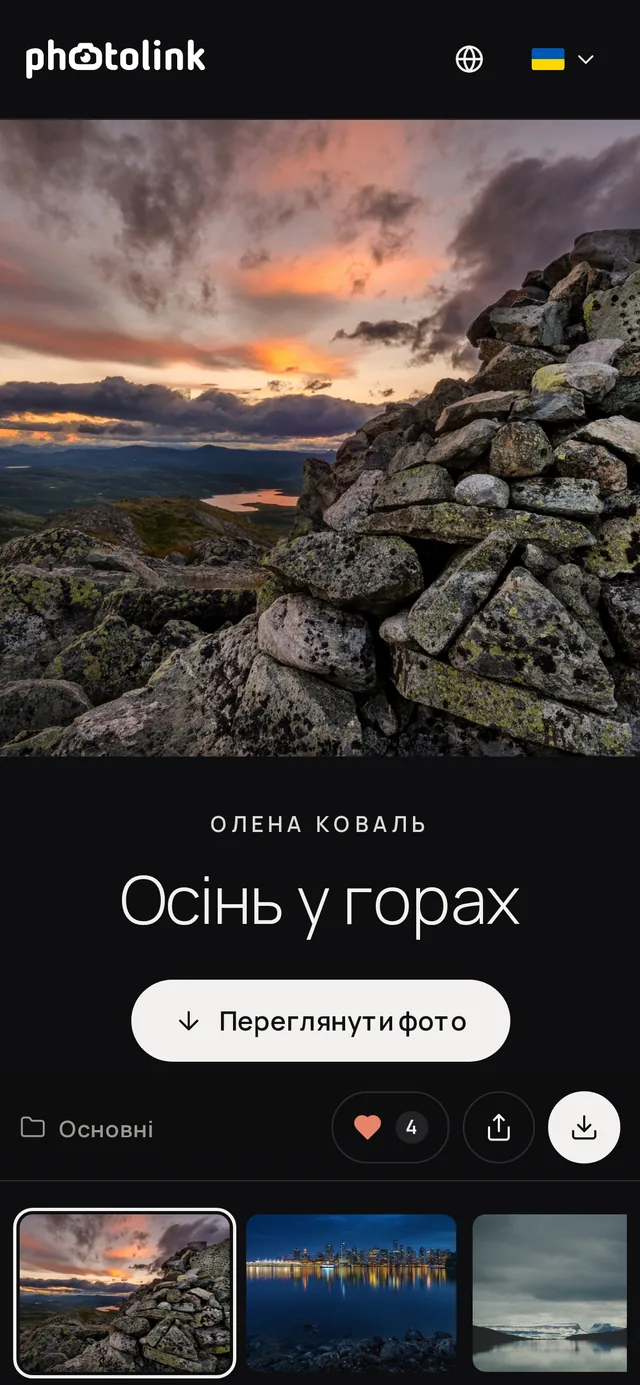
Client choices alongside the photos
For portraits, clients compare expressions. For family shoots, they look for favourite moments. For prints, they consider composition. A gallery lets them view the photos and put together a selection from one link.
Full-screen photo viewing
Clients can look closely at photos on a phone or computer and mark the ones they want. Their choices stay alongside the images they are reviewing.
One link to the selection
Once finished, clients share a link to their favourites. Ask them to send it when they are done: marking photos alone does not send the selection to you.
For retouching and printing
Agree on the purpose and number of selected photos before starting. The same gallery can help you agree on images for an album or prints.
How to send photos for client selection
Prepare your gallery
Upload the photos your client will choose from. Explain that these images are for selection and agree on the number of photos and a reply deadline.
Ask them to mark favourites
Send the gallery link. Your client opens it in a browser, marks photos with a heart and reviews the selection in their favourites.
Receive the selection link
Your client shares a link to their favourites. Open it, check the chosen images and confirm the selection before you start retouching.
Questions about client photo selection
Does the client need an account?
No. Clients select photos in their browser through the gallery link. If the gallery has a password, they enter it first.
How does the photographer receive the choices?
The client needs to share a link to their favourites. Include that instruction with the gallery and ask them to confirm when the selection is complete.
Can clients select photos on a phone?
Yes. Clients can view the gallery on a phone, mark photos with a heart and share their selection. They do not need to install an app.
Does the service retouch photos automatically?
No. photolink helps you present photos and receive client selections. You retouch the photos using your usual editing software.
Agree on the photos before retouching
Create a gallery, give your client clear instructions and receive a link to the photos they have chosen.
30 days free · 10 GB for photos · No card required