
Face recognition
Find photos by face in your gallery
A wedding, graduation or corporate event means hundreds of shots and dozens of guests. Enable face recognition with a paid plan so guests can find their photos by face.
Face recognition requires a paid plan. Account registration is free.
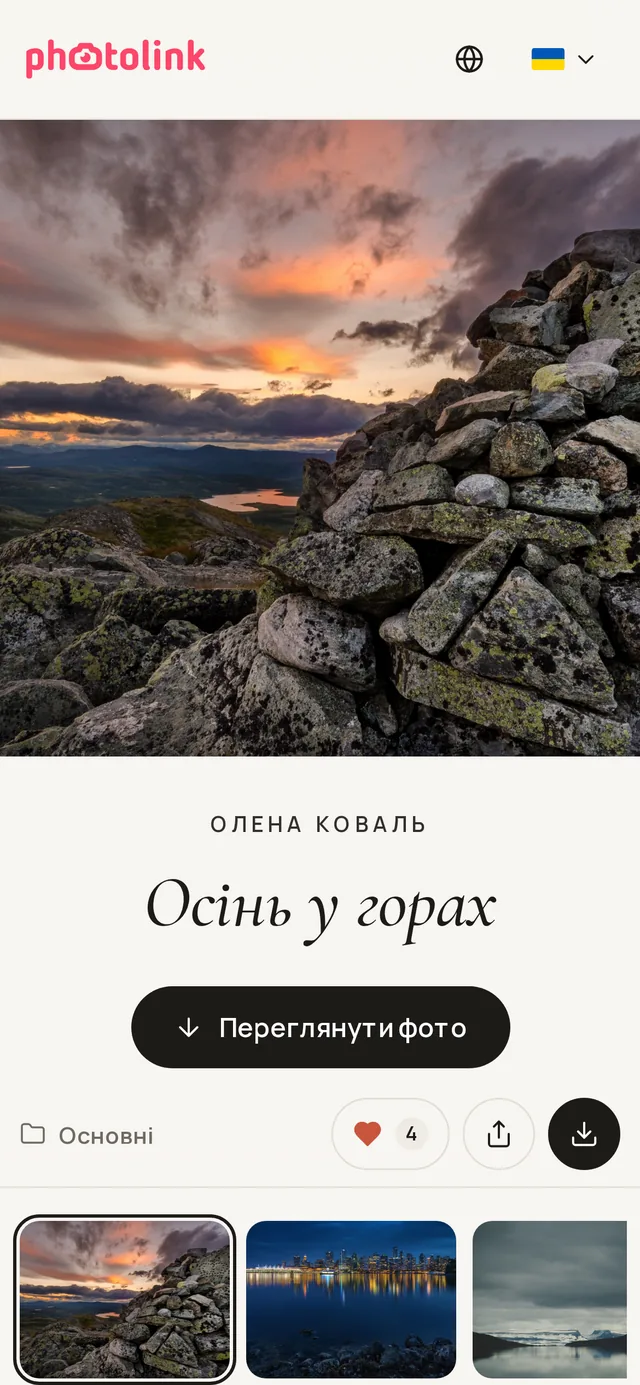
Every guest sees their own shots
photolink finds the people in the photos of a shoot and shows them in the gallery as a list of faces. A guest taps “Find yourself”, picks their face and the gallery shows only the shots they are in. No selfie, sign-up or app needed.
Several people at once
A guest can pick not just themselves but family or friends too, up to ten people. The gallery shows every shot with at least one of them, each photo once.
An archive of their photos
The guest downloads the shots found as one full-quality archive, instead of picking photos one by one from the whole wedding.
Under your control
In your account you see everyone found: merge a person recognised twice and hide anyone who should not be shown to guests.
How to turn on face search
Turn on recognition
Tick face recognition when you create a photosession, or turn it on for a shoot you have already uploaded.
Check the people
When processing is done, look through the faces in your account: merge duplicates and hide anyone extra.
Send the link
Share the gallery with guests in the event chat or by email. The “Find yourself” button appears in the gallery by itself.
Questions about face recognition
Does a guest need to take a selfie?
No. The guest picks their face from the people found in the photos of this shoot. No phone camera or uploading their own photo.
Where are the faces processed?
Recognition runs on photolink’s servers, with no third-party recognition services. Face data belongs to a single photosession and is deleted with it.
Can I take a person out of the search?
Yes. Hide anyone in your account and guests no longer see them in the list of faces. The photos themselves stay in the gallery.
Which plan has face recognition?
Every paid plan. The trial has all the other gallery features; plans and prices are on the pricing page.
Let guests find themselves in the photos
Create a gallery from your next event, turn on face recognition and send guests one link.
Face recognition requires a paid plan. Account registration is free.